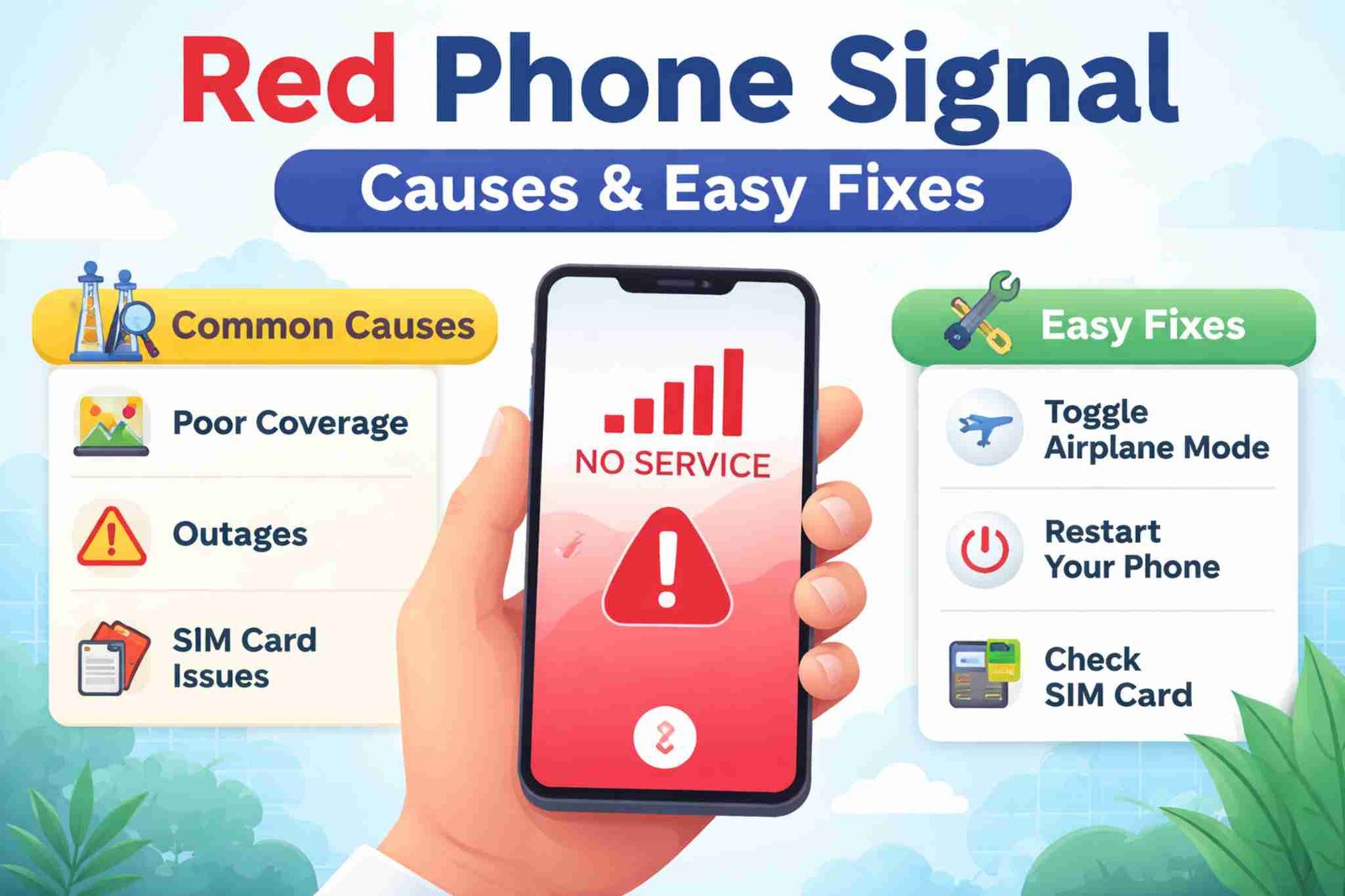
When you see a red phone signal on your phone, it can be worrying. You may not be able to make calls, send messages, or use the internet. This problem is common and usually easy to fix.
In this guide, you will learn:
-
What a red phone signal means
-
Why it happens
-
What you can still do when it appears
-
Easy ways to fix it
-
How to stop it from happening again
What Does a Red Phone Signal Mean?
A red phone signal means your phone has very weak or no mobile network. Your phone cannot connect well to your mobile company’s network.
This can look different on different phones:
-
Red or empty signal bars
-
“No Service” message
-
“SOS” or “Emergency only”
What a Red Phone Signal Means for You
-
You may not be able to make normal calls
-
You may not be able to send SMS messages
-
Mobile internet may not work
-
Emergency calls may still work
Note: A red phone signal does not usually mean your phone is broken.
How Red Phone Signal Looks on Different Phones
| Phone Type | What You May See | Meaning |
|---|---|---|
| Android | Red/empty bars, “No Service” | No network connection |
| iPhone | “No Service,” “SOS” | Only emergency calls work |
| Dual-SIM | One SIM works, one does not | Only one network has signal |
Common Reasons for Red Phone Signal
A red phone signal can happen for many reasons. The most common ones are:
1. Weak Network Area
-
You are far from mobile towers
-
You are in a village, mountain area, or desert
-
Your mobile company has poor coverage in that area
2. Bad Location
-
Inside basements
-
Inside elevators
-
Inside buildings with thick walls
-
Underground places
3. Network Problems
-
Mobile network is down
-
Network is under repair
-
Too many people are using the network at the same time
4. SIM Card or Account Problems
-
SIM card is loose
-
SIM card is damaged
-
Your mobile plan has ended
-
Your bill is not paid
5. Phone Problems
-
Phone software is old
-
Network settings are broken
-
Phone has a hardware problem (rare)
What You Can Do When Signal Is Red
Even if your phone shows red signal, you can still do some things:
-
✔️ Use Wi-Fi to browse the internet
-
✔️ Use WhatsApp, Messenger, or iMessage on Wi-Fi
-
✔️ Make emergency calls (in many countries)
-
✔️ Use offline apps (maps, notes, music)
What Works With Red Phone Signal
| Feature | Works? |
|---|---|
| Normal calls | ❌ No |
| Emergency calls | ✅ Yes |
| Mobile internet | ❌ No |
| Wi-Fi internet | ✅ Yes |
| Messaging apps on Wi-Fi | ✅ Yes |
| Offline apps | ✅ Yes |
How to Fix Red Phone Signal (Easy Steps)
Follow these simple steps one by one:
Step 1: Try Quick Fixes
These often solve the problem:
-
🔄 Restart your phone
-
✈️ Turn Airplane Mode ON for 20 seconds, then OFF
-
📶 Turn mobile data OFF and ON
Step 2: Check Your SIM Card
-
Turn off your phone
-
Remove SIM card
-
Clean it gently
-
Put it back properly
Step 3: Change Network Settings
-
Change network mode (5G to 4G/LTE)
-
Try manual network selection
Step 4: Update Your Phone
-
Check for phone software updates
-
Install any new updates
Step 5: Change Your Location
-
Go near a window
-
Go outside
-
Move to a higher place
-
Leave elevators or basements
Step 6: Call Your Mobile Company
Call your mobile company if:
-
Signal is red everywhere
-
Signal problem lasts many hours or days
-
Your SIM card may be damaged
-
Your plan may be blocked
Read also: Messagenal
How to Stop Red Phone Signal in the Future
You cannot control mobile towers, but you can reduce this problem:
Simple Tips to Avoid Red Signal
-
✔️ Choose a mobile company with good coverage
-
✔️ Turn on Wi-Fi calling
-
✔️ Keep your phone updated
-
✔️ Use signal booster at home if needed
-
✔️ Avoid known no-signal places
-
✔️ Download maps and music before traveling
Red Phone Signal vs Other Signal Messages
| Message on Phone | Meaning | What to Do |
|---|---|---|
| Red/empty bars | Very weak or no signal | Move to better place |
| “No Service” | No network at all | Check SIM, restart phone |
| “SOS” or “Emergency only” | Only emergency calls work | Find signal or Wi-Fi |
| “X” on signal icon | Network is off | Turn off Airplane Mode |
Common Myths About Red Phone Signal
❌ Myth: Red signal means your phone is broken
✔️ Truth: It usually means poor network or location
❌ Myth: Red signal means your phone is hacked
✔️ Truth: Signal has nothing to do with hacking
❌ Myth: You can never fix red signal
✔️ Truth: Most red signal problems can be fixed easily
Frequently Asked Questions
Why does my phone have red signal at home but not outside?
Your home may block signals. Thick walls and metal can stop mobile signals.
Does red phone signal use more battery?
Yes. Your phone uses more power when it searches for a network.
Is red phone signal dangerous?
No. It only means your phone cannot find a good network.
Final Words
A red phone signal is annoying, but it is usually not serious. Most of the time, it happens because:
-
You are in a weak network area
-
Your location blocks the signal
-
The mobile network is down
-
Your phone or SIM needs a small fix
By following the simple steps in this guide, you can fix the problem quickly and stay connected.
