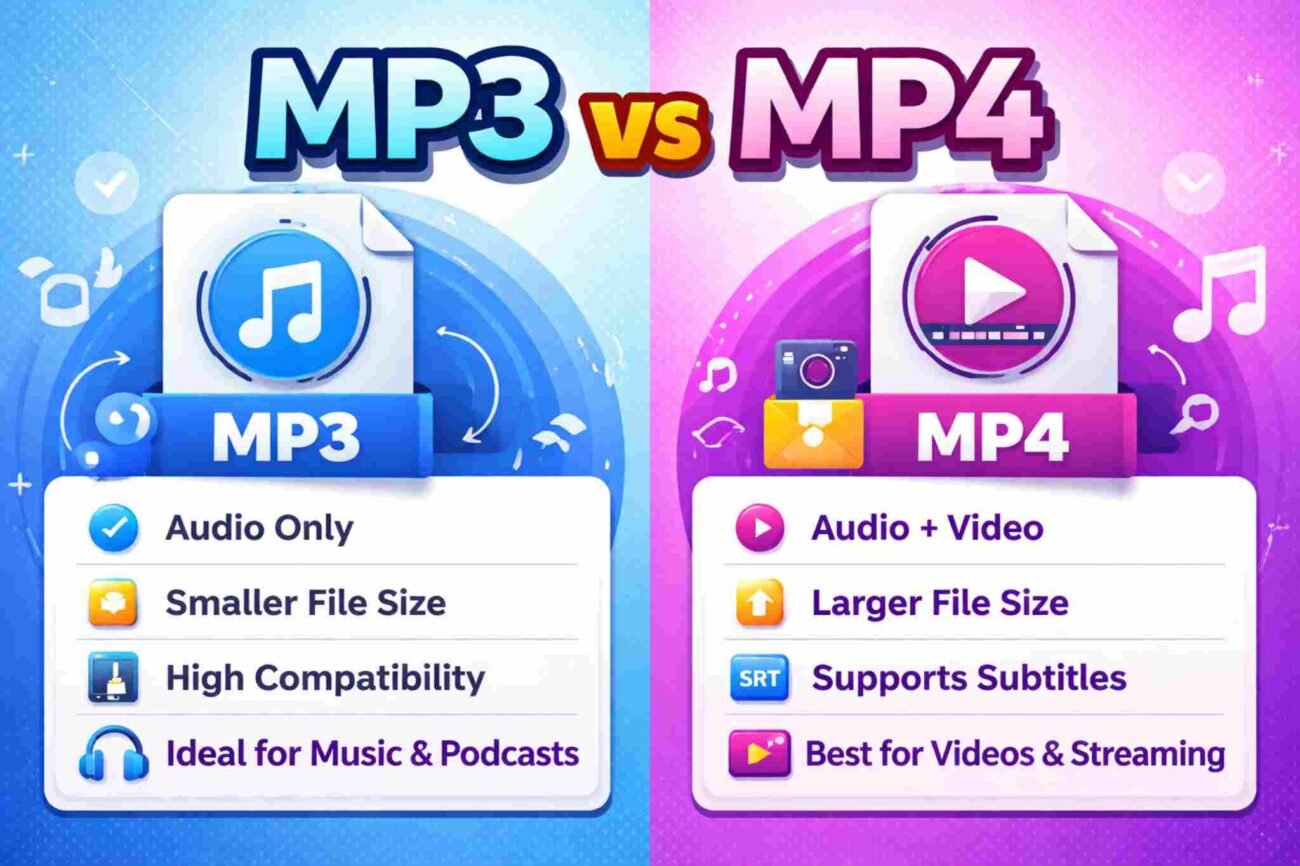
Many people get confused between MP3 and MP4. The names look almost the same, so it is easy to think MP4 is just a newer version of MP3. But they are actually different and are used for different purposes. This article explains the difference in simple and easy English so you can choose the right format for your needs.
What Is MP3?
MP3 is a file format used for audio only. It is mainly used for music and sound recordings. MP3 became popular because it can make audio files much smaller while keeping good sound quality.
How MP3 Works
MP3 uses something called compression. This means:
-
It removes some sound details that people usually do not notice.
-
It makes the file size smaller.
-
It keeps the most important parts of the audio.
Because of this, MP3 files are easy to store and share.
Main Features of MP3
-
Audio only
-
Small file size
-
Works on almost all devices
-
Easy to share
Common Uses of MP3
MP3 is commonly used for:
-
Music songs
-
Podcasts
-
Audiobooks
-
Voice recordings
-
Offline listening
Almost every device supports MP3, including:
-
Smartphones
-
Computers
-
Tablets
-
Car music systems
Advantages of MP3
-
Small size
-
Fast download
-
Very high compatibility
-
Perfect for audio files
Disadvantages of MP3
-
Cannot store video
-
Sound quality may reduce at low settings
What Is MP4?
MP4 is different from MP3. It is not just for audio. MP4 is a multimedia file format. This means it can store many types of data in one file.
What Can MP4 Store?
An MP4 file can include:
-
Video
-
Audio
-
Subtitles
-
Images
-
File information (like title and artist name)
How MP4 Works
MP4 works like a digital box. Inside this box, you can put:
-
A video track
-
An audio track
-
Subtitles
All of them play together in one file.
Common Uses of MP4
MP4 is mostly used for:
-
Online videos
-
Social media videos
-
Movies
-
Online courses
-
Streaming platforms
Most video websites use MP4 format.
Advantages of MP4
-
Can store video and audio together
-
Supports subtitles
-
Good quality
-
Great for streaming
Disadvantages of MP4
-
Larger file size (especially with video)
-
Not needed if you only want audio
MP3 vs MP4: Simple Comparison
Here is a clear comparison table:
| Feature | MP3 | MP4 |
|---|---|---|
| Type | Audio format | Multimedia format |
| Stores Audio | Yes | Yes |
| Stores Video | No | Yes |
| File Size | Smaller | Larger (if video included) |
| Best For | Music and podcasts | Videos and streaming |
| Subtitles | No | Yes |
| Compatibility | Very high | Very high (modern devices) |
Key Differences Explained
1. Audio vs Video
-
MP3 = Only audio
-
MP4 = Audio + video + more
If your file has video, you must use MP4.
2. File Size
-
MP3 files are usually smaller.
-
MP4 files are bigger if they include video.
If storage space is important, MP3 is better for audio files.
3. Sound Quality
Sound quality depends on:
-
File settings
-
Compression level
Important:
-
A high-quality MP3 can sound very good.
-
MP4 does not automatically mean better sound.
The quality depends on how the file was created.
4. Device Support
| Device | MP3 Support | MP4 Support |
|---|---|---|
| Smartphones | Yes | Yes |
| Computers | Yes | Yes |
| Smart TVs | Yes | Yes |
| Old MP3 Players | Yes | Sometimes No |
MP3 works on almost every device, even older ones.
When Should You Use MP3?
Use MP3 if:
-
You only need audio.
-
You want smaller files.
-
You are sharing music.
-
You are making podcasts.
Best For:
-
Music collections
-
Audiobooks
-
Voice recordings
-
Offline listening
When Should You Use MP4?
Use MP4 if:
-
You have video content.
-
You need subtitles.
-
You are uploading to YouTube or social media.
-
You are streaming online.
Best For:
-
Movies
-
Online videos
-
Educational videos
-
Social media content
Pros and Cons Summary
MP3
Pros:
-
Small file size
-
Works everywhere
-
Simple format
Cons:
-
No video support
-
No subtitles
MP4
Pros:
-
Stores video and audio
-
Supports subtitles
-
Good for streaming
Cons:
-
Larger size
-
Not needed for audio-only files
Can You Convert MP4 to MP3?
Yes, you can.
Converting MP4 to MP3 means taking only the audio from a video file.
People do this when:
-
They want music from a video
-
They want to save storage space
-
They want to listen without watching video
Remember:
-
Converting does not improve sound quality.
-
The final quality depends on the original file.
Common Myths
Myth 1: MP4 Is Just a New Version of MP3
This is not true. They are different types of formats.
Myth 2: MP4 Always Has Better Sound
Not always. Sound quality depends on file settings, not just the format name.
Final Conclusion
The choice between MP3 and MP4 is simple.
| If You Need | Choose |
|---|---|
| Audio only | MP3 |
| Video + audio | MP4 |
| Small file size | MP3 |
| Subtitles | MP4 |
Easy Rule to Remember
-
Music only → MP3
-
Video content → MP4
Now you understand the difference clearly. Choose the format based on what your file needs, not just the name.
