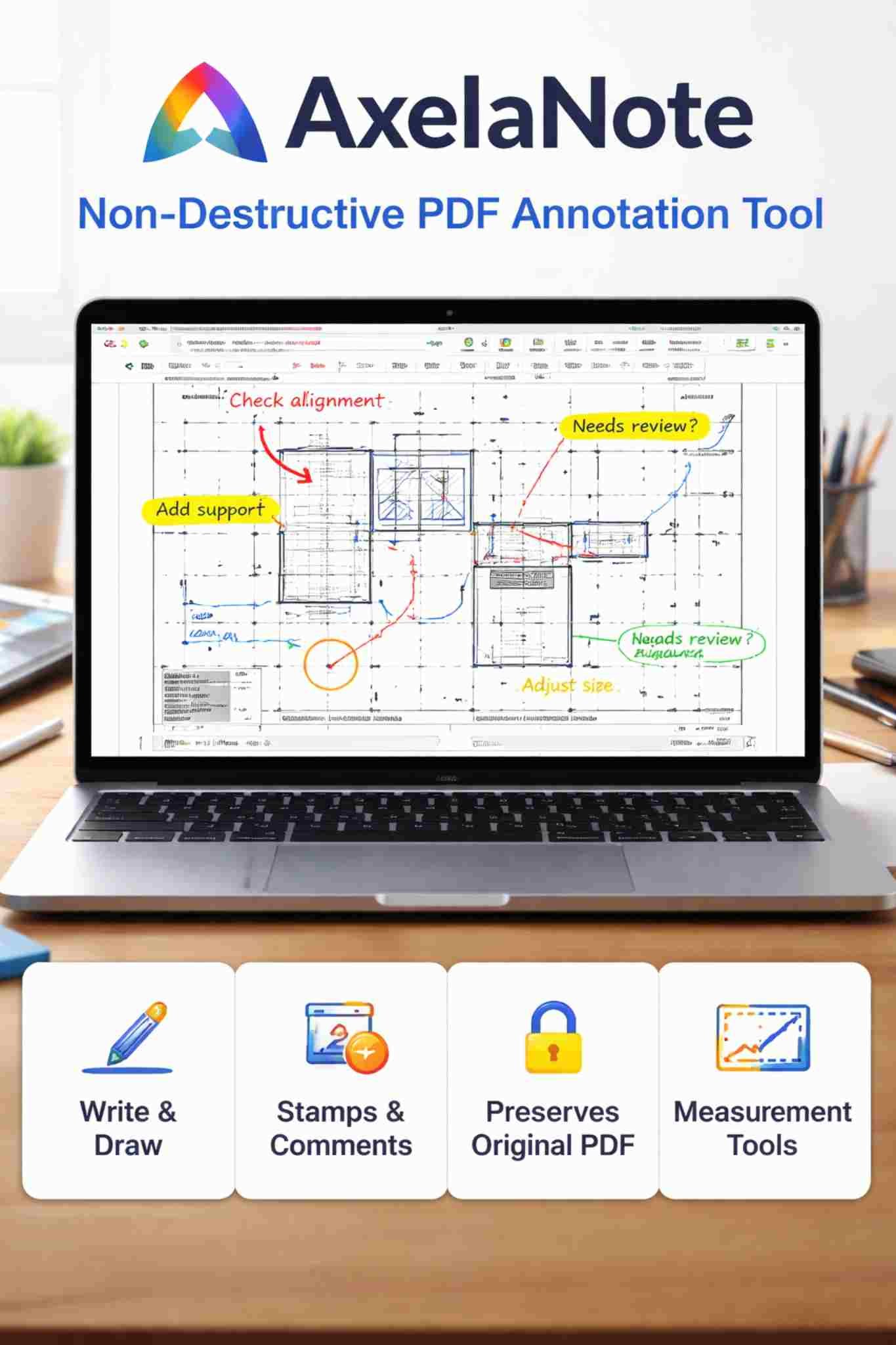
Today, many people work with PDF files every day. These can be contracts, reports, manuals, study notes, or drawings. Often, you need to write notes on these files, highlight parts, or mark mistakes. But many PDF files are locked, and you cannot edit them easily. Some people still print the files just to write on paper, which wastes time and paper.
AxelaNote is a tool that helps solve this problem. It lets you write on PDF files without changing the original file. This makes it very useful for students, teachers, engineers, and office workers who need to review documents but must keep the original file safe.
In this article, you will learn what AxelaNote is, how it works, its main features, who should use it, its benefits and limits, and how it compares with other tools.
What Is AxelaNote?
AxelaNote is a Windows program that lets you write and draw on PDF files. The special thing about AxelaNote is that it does not change the original PDF file. Instead, it adds a clear writing layer on top of the file.
This means:
-
You can write notes on PDFs
-
You can draw shapes and arrows
-
You can highlight text
-
The original PDF stays the same
Main Points About AxelaNote
-
Works on Windows computers
-
Used for writing notes on PDF files
-
Does not change the original document
-
Good for review and feedback work
-
Useful for locked or protected PDFs
How Does AxelaNote Work?
AxelaNote uses a simple idea called an overlay layer. Think of it like putting a clear plastic sheet on top of a paper and writing on the plastic instead of the paper.
Step-by-Step Process
-
Open a PDF file in AxelaNote
-
AxelaNote adds a clear writing layer on top
-
You write or draw on this clear layer
-
The original PDF is not changed
-
You can save or share your notes
Why This Is Helpful
-
The original file is always safe
-
You can remove your notes if needed
-
You can make different versions of notes
-
You can write on locked PDF files
Main Features of AxelaNote
AxelaNote has simple tools that help you mark and review documents.
Writing and Drawing Tools
You can:
-
Write by hand (with mouse or pen)
-
Type text notes
-
Draw lines, boxes, and circles
-
Use arrows to point at things
Marking Tools
-
Highlight important parts
-
Add stamps like “Approved” or “Reviewed”
-
Add date stamps
-
Use ready-made comment boxes
Tools for Technical Work
-
Measure lines and areas on drawings
-
Mark parts of diagrams
-
Add clear notes on plans and charts
Saving and Sharing
-
Save your notes
-
Print the marked PDF
-
Share the marked file with others
Read also: Edivawer
Who Should Use AxelaNote?
AxelaNote is helpful for many types of people who work with PDF files.
People Who Can Benefit
-
Students
-
Write notes on study PDFs
-
Mark important parts of books
-
-
Teachers
-
Check student work
-
Write comments on assignments
-
-
Office Workers
-
Review reports
-
Add feedback to documents
-
-
Engineers and Designers
-
Mark drawings and plans
-
Add notes to technical files
-
-
Legal and Business Staff
-
Review contracts
-
Add comments without changing files
-
Benefits of Using AxelaNote
AxelaNote has many simple but useful benefits.
Main Benefits
-
✅ You can write on PDF files
-
✅ The original PDF is not changed
-
✅ Works even on locked PDFs
-
✅ Easy to use for marking and review
-
✅ Helps reduce printing paper
-
✅ Good for school and office work
Limits of AxelaNote
AxelaNote is good for writing notes, but it cannot do everything.
Things AxelaNote Cannot Do
-
❌ You cannot change the text inside the PDF
-
❌ You cannot edit the layout of the PDF
-
❌ It only works on Windows
-
❌ It is not made for creating new PDF files
AxelaNote Compared to Other Tools
Here is a simple table to show how AxelaNote is different from other common tools.
| Feature / Tool Type | AxelaNote | PDF Editors (Adobe, Foxit) | Note Apps (OneNote, Notion) |
|---|---|---|---|
| Main Use | Write notes on PDFs | Edit PDF files | General note writing |
| Changes Original PDF | No | Yes | Not for PDFs |
| Works on Locked PDFs | Yes | Limited | No |
| Handwriting Support | Yes | Limited | Yes |
| Best For | Reviewing documents | Editing documents | Personal notes |
| Platform | Windows | Windows, Mac | Many devices |
Common Ways People Use AxelaNote
AxelaNote can be used in many daily tasks.
Real-Life Examples
-
Reviewing a contract and adding comments
-
Marking mistakes in a report
-
Writing notes on study material
-
Checking drawings in engineering work
-
Giving feedback on project documents
When AxelaNote Is a Good Choice
AxelaNote is a good choice if you:
-
Need to write on PDF files
-
Want to keep the original file safe
-
Work with locked or protected PDFs
-
Like to write or draw notes by hand
AxelaNote may not be the best choice if you:
-
Need to change text inside PDFs
-
Want to design or create PDF files
-
Use Mac or mobile devices only
AxelaNote at a Glance
Here is a short table that sums up AxelaNote:
| Item | Details |
|---|---|
| Software Type | PDF note and marking tool |
| Main Feature | Write on PDFs without editing |
| Platform | Windows |
| Best For | Reviewing and marking documents |
| Not For | Editing PDF text and layout |
Final Thoughts
AxelaNote is a simple and useful tool for people who often work with PDF files and need to write notes on them. Its biggest strength is that it lets you write on documents without changing the original file. This is very helpful in schools, offices, and technical work where files must stay safe and unchanged.
If you often print PDF files just to write notes on them, AxelaNote can save you time, paper, and effort. It is not meant to replace full PDF editing software, but for reviewing, marking, and giving feedback on documents, AxelaNote is a smart and easy choice.
